All-In-One Computers: Pros & Cons

  • Post author:

These days it seems like everyone wants a laptop. While the laptop is indeed the most popular form of computer, there is still a definite market for desktop computers.One of the more popular types of desktop computer is called the all-In-one desktop or AIO computer. In this post, we will discuss the pros & cons of buying an AIO computer. What is an AIO Computer? All-In-one computers, also known as all-in-one desktops, are designed to combine the computer case and system components into the monitor so that the entire PC  is contained all in one unit. Why Would I Want…
Continue ReadingAll-In-One Computers: Pros & Cons

The Shrinking Laptop

  • Post author:

In our previous post “The Desktop PC – Still Relevant?”, we touched on how the industry is trending more mobile, and the sizes of the devices we use are changing. Laptops are cheaper than they’ve ever been. They are thinner and lighter than ever, and they are much more powerful than they were even a few years ago. With that being said, we’d like to delve into a few minor setbacks to the cheaper, thinner, lighter laptops of today.

(more…)

Continue ReadingThe Shrinking Laptop

The Desktop PC – Still Relevant?

  • Post author:

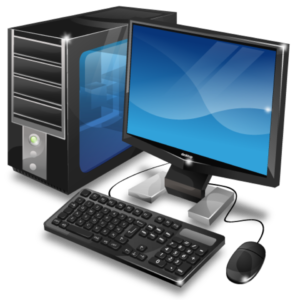
As the technological world of computers skews more and more toward mobile, and everything is getting smaller and smaller, the questions arises – is the desktop PC still relevant? The short answer is a resounding YES. In this article we will elaborate as to why.

desktop2

Even though more and more people are moving from the desktop to their laptops, or even tablets or smartphones, a traditional desktop computer is still arguably a great choice as a secondary computing device today. Some of the reasons to buy a desktop today range from cost to performance ratio, upgrade-ability, to more productivity considerations. Check out these items:

(more…)

Continue ReadingThe Desktop PC – Still Relevant?

Laptop Vs Desktop: The Showdown!

  • Post author:

laptopvsdesktop

Just about everyone is familiar with the two main forms that computers come in these days;  laptops and desktops.  What we find at Geek Easy Computers is that some people don’t really know the pros and cons of choosing one over the other, or why one might fit their needs over the other, so in this article we are going to explore that and hopefully help you make a more sound  decision.

(more…)

Continue ReadingLaptop Vs Desktop: The Showdown!

You Need A Pro!

  • Post author:

Everybody has a friend, family member, or co-worker that is “good with computers”.  They can be a handy person to have around when you have minor issues like forgetting how to print a spreadsheet, or how to save pictures from your smartphone, or or how to attach those pictures to an email to send to your aunt in Pasadena.  It’s great to have someone you can call at a moments notice for little stuff like that.  But what isn’t great is when people go to these same individuals for major issues.  While these “computer guys” may have your best interest in heart, what they don’t have is the training and knowledge, the years of hands on experience repairing computers, or the tools of a professional computer repair shop.

computer-technician-job-description

(more…)

Continue ReadingYou Need A Pro!

The Do’s and Don’ts of Laptop Ownership

  • Post author:

As we mentioned previously, nearly every computing and communication technology is becoming more geared toward mobility.  The workhorses of that movement are the classic laptop.  The laptop was the original mobile computing device.  The IBM 5100, the first commercially available portable computer, appeared in September 1975.  Laptops are also known as notebooks, ultrabooks, and netbooks.

laptop

(more…)

Continue ReadingThe Do’s and Don’ts of Laptop Ownership

Can I Do It Myself?

  • Post author:

“Can I do it myself?”

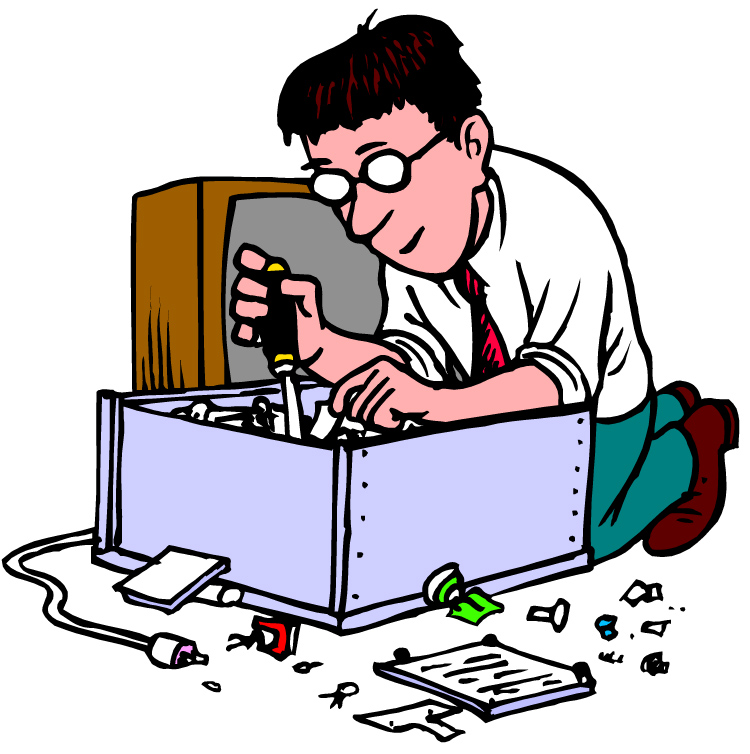
It’s a question many computer owners ask when it’s time for a repair or upgrade to their machine.  There answer depends on your abilities and resources.  Some things, like RAM, are easy enough to physically replace, but can be difficult to troubleshoot if you don’t have the experience and/or testing equipment available.

(more…)

Continue ReadingCan I Do It Myself?

Hiring an I.T. technician…what to look for…

  • Post author:

Uh oh.  Your sever just crashed.  You need access to your files ASAP.  You need a tech onsite now!  You Google "pc repair", but they all look alike.  How do you choose?  What do you look for? Below are important points that an I.T. technician/shop should have: Be a registered business. Be insured. Realistic pricing. Industry accepted ACCREDITATIONS (CompTia, A+, Microsoft, etc.) Good Reviews (Google, BBB, Chamber of Commerce) Online presence actively engaged with followers. Responsive customer service. Professional appearance. We at Geek Easy are proud to say we meet and exceed all of the above points.  We treat each…

Continue ReadingHiring an I.T. technician…what to look for…

End of content

No more pages to load