Linux – Demystified!

So you’ve heard about this software called Linux, but you don’t know what it is? In this article we hope to take the mystery out of Linux and show why it’s a relevant alternative!

So you’ve heard about this software called Linux, but you don’t know what it is? In this article we hope to take the mystery out of Linux and show why it’s a relevant alternative!
Have you signed up for our monthly newsletter? It's a perfect start to your day, packed with helpful tech tips, relevant news, and money saving promotions! Here’s the PDF version of this month’s issue: GE_Newsletter052016 If you like what you see, you can sign up for it here: I Want The GE Newsletter! We promise to never SPAM your inbox, and we will strive to make sure each issue has information that is useful and interesting to you!

BSOD. You hear about it talked about in hushed tones usually followed by a groan or sympathetic head shake, but what exactly is a BSOD and what causes it? Well let’s find out!
BSOD stands for “Blue Screen of Death.” It’s a colloquialism or non-technical term for something that is known as a “Stop Error.” They can occur if a serious problem, such as a critical failure, causes Windows to shutdown or restart unexpectedly. Blue screens are generally caused by problems with your computer’s hardware or issues with its drivers or core operating system software.
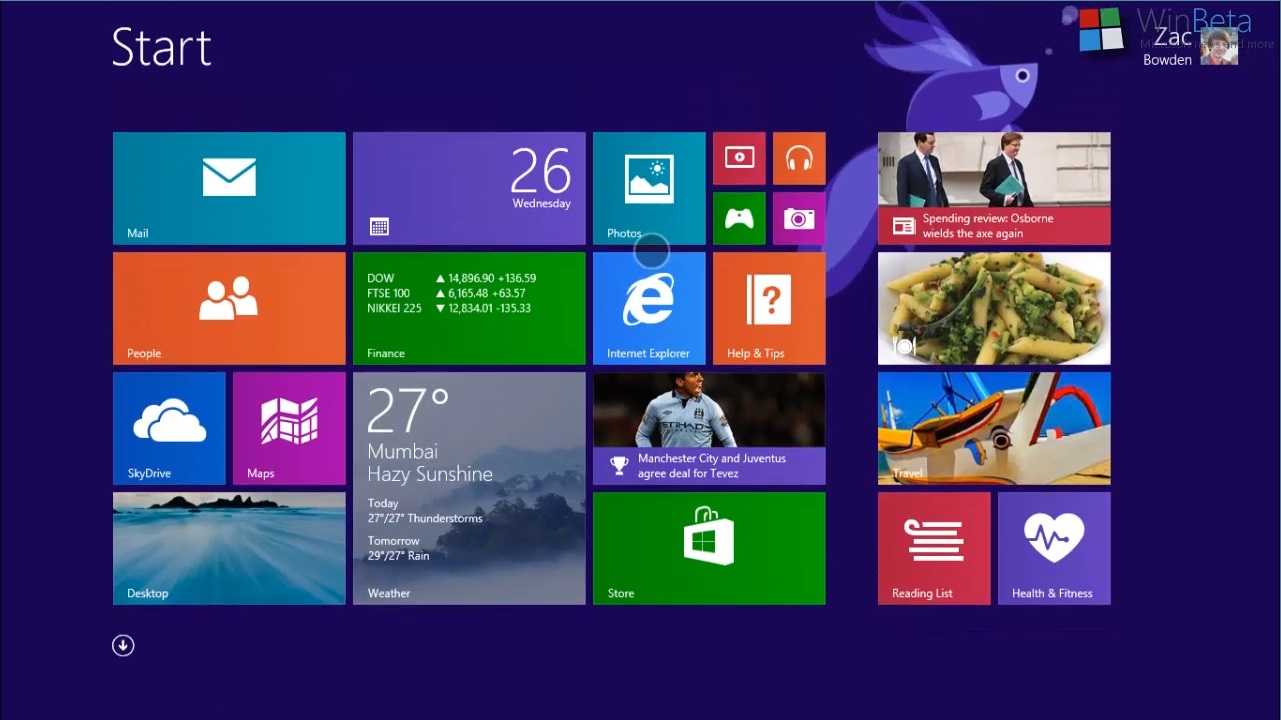
Microsoft Windows 8 Operating System is the most radical design change in Windows since version 3.11 upgraded to Windows 95! As expected there was initially a lot of resistance to Microsoft’s new touch-centric, mobile based design. Windows users had grown accustomed to their familiar GUI interface that although had undergone many revisions and modifications during the last decade, essentially stayed the same at its core.
Here at Geek Easy Computers, we like to make sure you, our customers and fans, are provided with good, practical information regarding your technology needs. We want to make sure your questions are answered, and that we educate you in the correct ways to take care of your computers! We also like to have fun and not be always hammering you with facts and protocol.
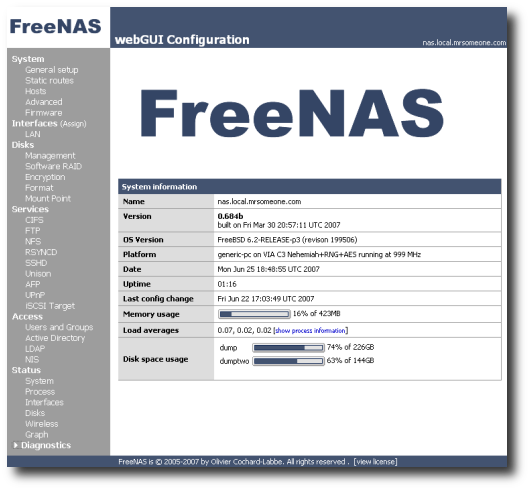
So todays post is on the lighter side. A few of you have asked about setting up a home server. Last year we talked about the reasons for having a server. So the topic today is setting up your own home server!
There was a time when there was a definite line, or difference between Macs and PCs. The software was different, the way they operated was different, and frankly, the user base was different. Not so much now... Although there are still plenty of differences, the two Operating Systems are alike enough now to duplicate each others user experience. Macs users used to claim that Mac OS was the "easiest to use, most user friendly...", while Windows (PC) users claimed that they had "freedom of choice" and the largest software library. For awhile, argument could be made for all of those…
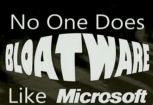
If you use a computer (and if you’re reading this, you must), you should ask yourself the following questions. Do I really need to update Flash, Java, iTunes, Quicktime and my HP print software every week? Do I really need a half dozen toolbars littering my browser window? Does every program on my computer need a speed launcher running all the time on the slim chance that I’m opening Microsoft Access or Adobe Acrobat or OpenOffice? Unless you have some sort of undiagnosed techno-compulsion, the answer to these is probably “no.”