Laptop Vs Chromebook

  • Post author:

The quarantine has many folks "rediscovering" their laptops and also bringing the school provided devices their children are using into focus. We are finding that many of these people don't know the difference between a laptop and a Chromebook. In this post we’ll cover some of the main differences. Chromebooks may look like fully featured laptops, but instead of Windows or MacOS, they are running a browser-based operating system called Chrome OS which is built on Linux. Chrome OS is a minimal system that is a wholly different experience from Windows or MacOS. Initially Chromebooks were very limited in scope…


Continue ReadingLaptop Vs Chromebook

Holiday Safety For Your Computer!

  • Post author:

'Tis the season for online shopping and travel! With excitement and distractions aplenty, it's easy to get caught unawares by an online scam or hacker. It is also a time for increased sharing on social media. That increased information sharing also makes us more vulnerable to online threats and expensive identity thefts. Below are steps you can take to ensure your personal information stays safe and secure.  ONLINE - Limit Your Personal Information Online: Review the security settings of your online profiles and limit access to people not on your friends list (or them too!). The more specific information you…

Continue ReadingHoliday Safety For Your Computer!

Why Should I Update My Software?

Read more about the article Why Should I Update My Software?
Illustration depicting a computer dialogue box with a software update concept.
  • Post author:

That pop-up message telling you to update yet again. You have to make a choice: update now or later. It’s tempting to just keep hitting “remind me later,” but that turns into “never” too easily. Keeping your software up-to-date is an important consideration. It’s one of the most important things you can do to keep your computer safe. It affects usability, security and compatibility with other software.

(more…)

Continue ReadingWhy Should I Update My Software?

Q & A: User Questions, Tech Answers! Windows 10 Edition

  • Post author:

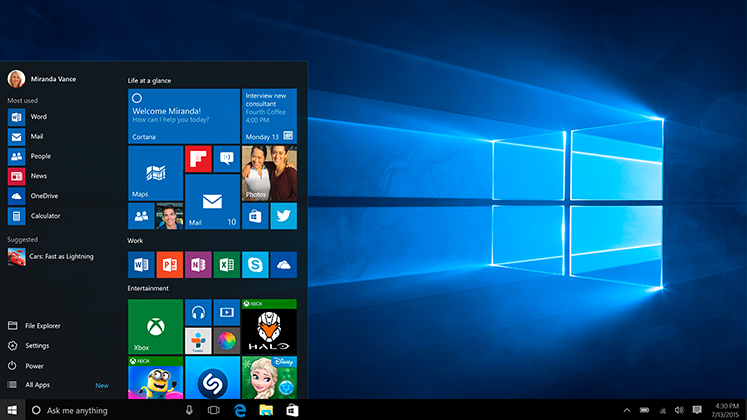
In our ongoing mission to help make your technology easier, we like to provide you with tools and knowledge to make your computer interaction more “user friendly”. This special edition of our Q & A Series focuses on Windows 10 and what’s new and/or different from Windows 7 in basic operation. We’ll delve into more advanced topics in a later post.

(more…)

Continue ReadingQ & A: User Questions, Tech Answers! Windows 10 Edition

Windows 10: A Personal Look

  • Post author:

Windows 10. It’s the topic of almost every computer related conversation these days. Mostly because it’s a FREE upgrade for most users. The general consensus it that it is better than Windows 8 & 8.1. It’s the future of Windows and the beginning of Windows as a service. I thought I’d share my view on it from a tablet user’s perspective.
windows10

(more…)

Continue ReadingWindows 10: A Personal Look

El Capitán del Capitán

  • Post author:

The newest version of Apple OS X is now available for developers to preview and will be available to the general public in the fall. As co-owner and Apple specialist at Geek Easy, I couldn’t resist writing on some of the up and coming features just to name this blog post the equivalent of “The captain on the captain.”

If you haven’t read anything about the new version of Mac OS, the name comes from a vertical rock formation inside Yosemite National Park. Apple’s announcement at their annual developer conference outright stated that the operating system update is a set of refinements to 10.10 Yosemite that was released last October.

(more…)

Continue ReadingEl Capitán del Capitán

Windows 101: Windows 8 Basics…

  • Post author:

windows8

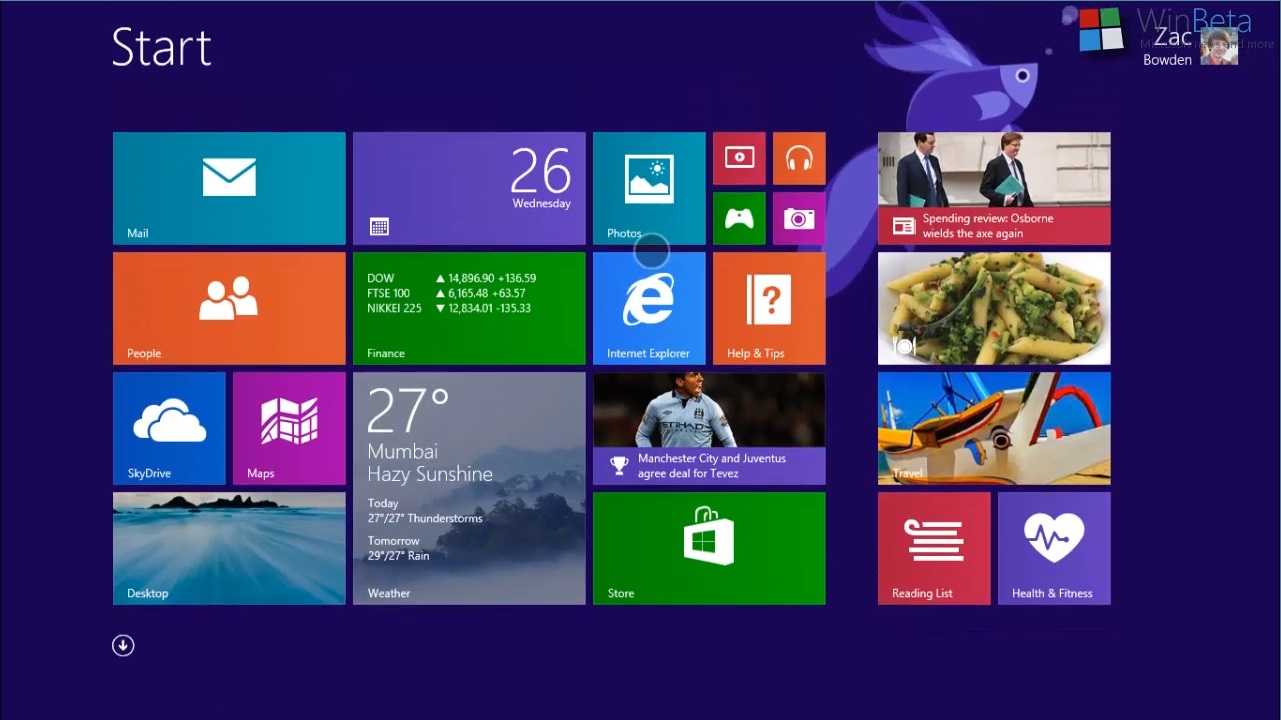
 Microsoft Windows 8 Operating System is the most radical design change in Windows since version 3.11 upgraded to Windows 95!  As expected there was initially a lot of resistance to Microsoft’s new touch-centric, mobile based design.  Windows users had grown accustomed to their familiar GUI interface that although had undergone many revisions and modifications during the last decade, essentially stayed the same at its core.

(more…)

Continue ReadingWindows 101: Windows 8 Basics…

End of content

No more pages to load