Why Should I Update My Software?

Read more about the article Why Should I Update My Software?
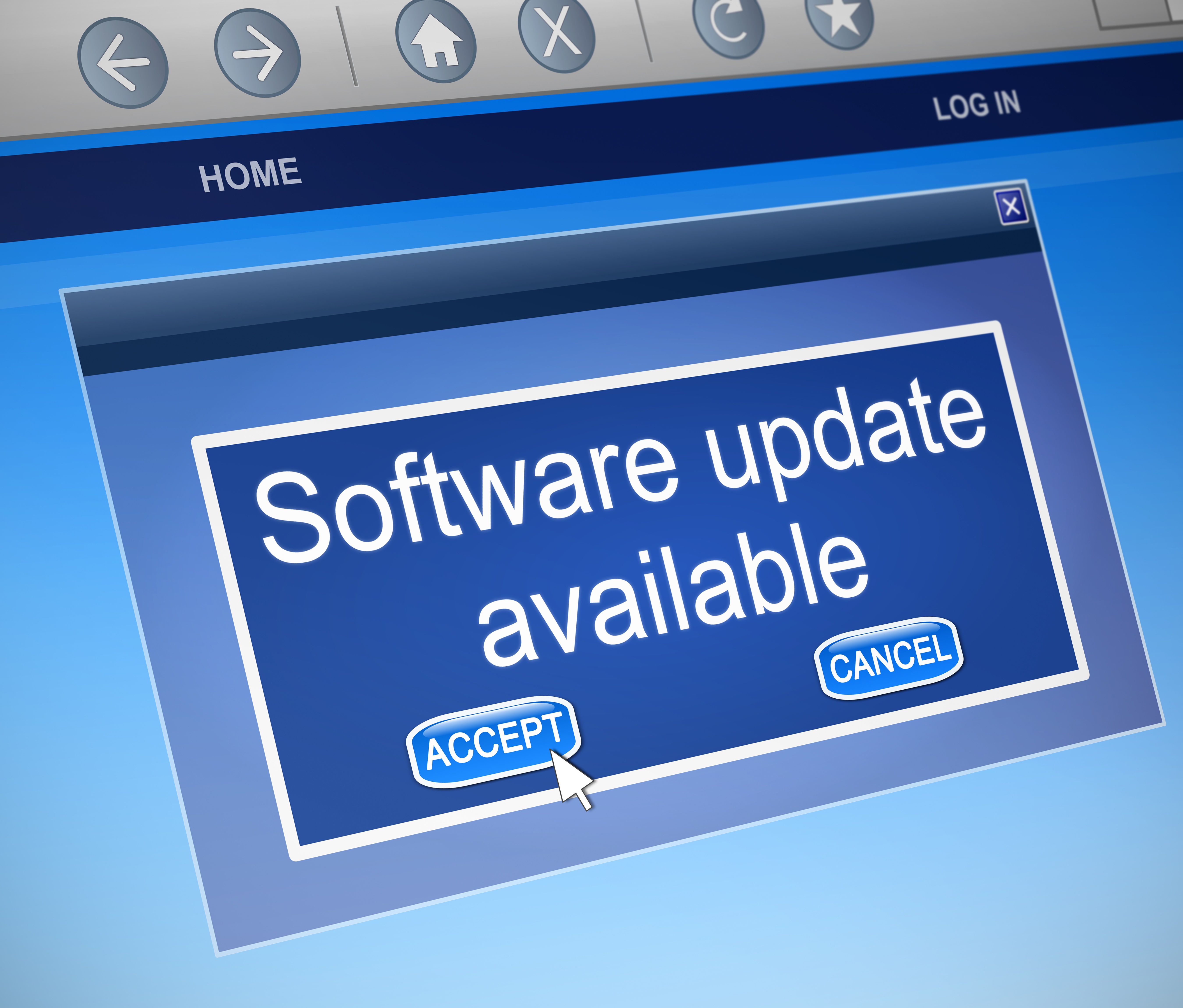
Illustration depicting a computer dialogue box with a software update concept.
  • Post author:

That pop-up message telling you to update yet again. You have to make a choice: update now or later. It’s tempting to just keep hitting “remind me later,” but that turns into “never” too easily. Keeping your software up-to-date is an important consideration. It’s one of the most important things you can do to keep your computer safe. It affects usability, security and compatibility with other software.
(more…)

Continue ReadingWhy Should I Update My Software?

Google Chrome

  • Post author:

One of the questions we get asked frequently is “Which browser is the best?.” Well the answer to that question is subjective on many factors, but our typical recommendation is Google Chrome. In this article we tell you why.

(more…)

Continue ReadingGoogle Chrome

Low-Cost Office Suites for Start-Ups

  • Post author:

In the world of small business (especially independent start-ups), every penny can count.  Dropping several hundred dollars on the latest and greatest software isn’t always an option.  Especially if the software isn’t “mission critical” to the business.  One of the benefits of starting a business in this Internet age, is that there is a plethora of free or nearly free alternatives to the popular and many times expensive productivity software.  Below we will show you some of our favorites, with why they are favorites, and hopefully provide you with a way to get work done within your budget!


(more…)

Continue ReadingLow-Cost Office Suites for Start-Ups

A Geek Easy Computers 2012 Technology Review

  • Post author:

This past year has been an exciting one in many respects.  It has definitely been a roller coaster of a ride.  The ups and downs of the economy, the re-election of the first African-American president, the ongoing conflict in the Middle East.  So many newsworthy events took place it’s nearly impossible to comment on them all.

(more…)

Continue ReadingA Geek Easy Computers 2012 Technology Review

Streaming Music 101

  • Post author:

For today’s music consumer, mobile is where it’s at.  Whether it’s on an iPad, computer, or smartphone, people want to hear their music wherever they are with minimal fuss.  Capitalizing on this desire, there are many options available for the consumer to stream music to their device.  The best of these services are platform independent, meaning they are accessible from almost any computer OS, web browser or smartphone.


(more…)

Continue ReadingStreaming Music 101

Making Google Chrome Work for You!

  • Post author:

We know a lot of our readers use Google Chrome as their daily browser.  Since it is also our favorite, we thought it would be relevant to post some ways to make Chrome work better for you!  We scoured the web and came up with these cool keyboard shortcuts!

Page Navigation Shortcuts

  • Space Bar – Page down one full screen at a time
  • Page Down — Page down one full screen at a time
  • Down Arrow – Scroll Down
  • Shift  + Space Bar – Page up one full screen at a time
  • Page Up — Page up one full screen at a time
  • Up Arrow – Scroll Up
  • Home – Go to the top of the webpage
  • End – Go to the bottom of the webpage

Browser Window Shortcuts

  • Ctrl + N – Open a new window
  • Ctrl + Shift + N – Open a new window in incognito mode (Pages viewed in incognito mode won’t show in browser history or search history. They also won’t leave cookies or other traces)
  • Alt + F4 – Close the current window
  • Shift + Click on link – Open the link in a new window (more…)

Continue ReadingMaking Google Chrome Work for You!

Lost in the Cloud

  • Post author:

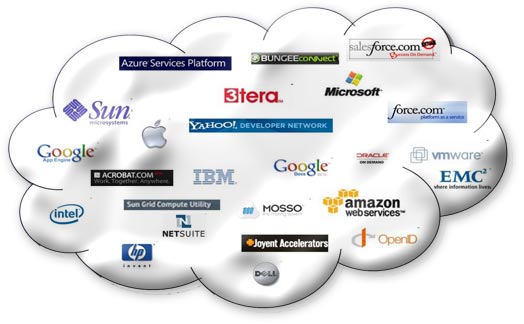
If you’ve been paying attention to technology lately, the buzzword in the industry is definitely the “cloud.” Cloud computing, for people confused yet interested, isn’t some sort of magic technological breakthrough that harnesses the raw power of water droplets and ice crystals to load YouTube videos (although that would be pretty buzz-worthy). Put more simply, the cloud is a method of distributing services (like email, music, videos, documents and even video games) to end-users without having to run a program or save the data on a local computer; even simpler would be to say that it’s a way of computing entirely on-line. (more…)

Continue ReadingLost in the Cloud

End of content

No more pages to load